How to Create a Link and Get Your First 50 Fans
Create an EVEN Link page to collect fan emails and phone numbers, share it with your audience, and grow your fan list.
How to Create a Link and Get Your First 50 Fans
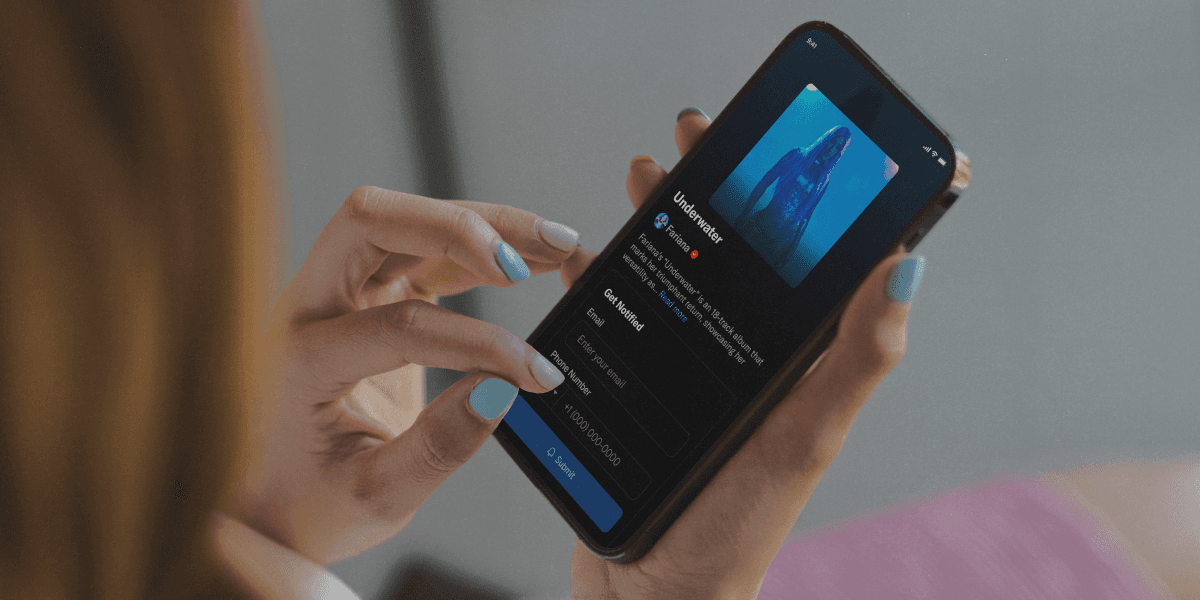
Links let you collect fan data directly from people who care about your music. Every time someone submits their email or phone number through your link, that information lives in your EVEN account so you can reach them again for future releases, merch drops, or anything else you have going on.
Step 1: Go to Links
From your EVEN dashboard, select Links in the left sidebar under Sections. If you have not created a link yet, your page will show an empty state. Click Create Link Page to get started.
Step 2: Fill in Your Link Details (Step 1 of 2)
You will see a live preview of your link on the left as you fill in the details on the right.
Heading This is the title fans will see at the top of your page. Keep it short and relevant to what you are promoting. For example: "New Drop" or "Tour Dates."
Body Text A short line of supporting copy underneath the heading. This is your hook. Use it to create urgency or context. For example: "Be the first to hear it."
Main Image Upload your album cover, event flyer, or any image that fits the moment. JPG, PNG, or GIF, up to 5MB.
Custom URL Set a clean, memorable link slug. Only lowercase letters, numbers, hyphens, and underscores are allowed. This becomes your shareable URL at even.biz/l/your-slug.
Step 3: Set Your Form Details
Scroll down to customize how fans interact with your link.
Form Title This appears above the input fields. The default is "Get Notified" but you can adjust it to match your messaging.
Fields At minimum, email address is required. You can also add name and phone number if you want to collect more information.
Button Text The default is "Submit." Keep it simple or customize it to match the action, like "Notify Me" or "I'm In."
Base Color Pick an accent color that matches your brand or the release artwork. This color shows up on buttons and highlights across the page.
Step 4: Add a Success Message (Step 2 of 2)
After a fan submits their info, they will see a confirmation screen. This is your chance to keep them engaged.
Success Title Choose from preset options to acknowledge the submission.
Description Add a short follow-up message. A thank you, a tease, or a next step all work well here.
Call to Action Add a button that sends fans somewhere after they sign up. You can link to your EVEN artist page or any custom URL, like a presave, a playlist, or your website.
Step 5: Save and Share
Click Update Link to publish. Your link is now live and ready to share anywhere you reach fans, whether that is Instagram, a DM, an email, or a bio link.
Tips for Getting the Most Out of Your Link
Use a strong image. The visual is the first thing fans see and it sets the tone for whether they submit.
Be specific in your heading. "New Drop This Friday" will outperform "New Music" every time.
Share it early. The more time fans have to submit before your release, the bigger your list grows before it matters.
Check your Fans tab after sharing to see who is coming in and where they are coming from.
Search articles…